
Trade Insights
Guides for product selection, private label, purchasing and dealer support.
Explore Trade Insights →RESOURCES
Find the details. Choose with clarity.
Find the model manual, review setup requirements and compare products for your range.
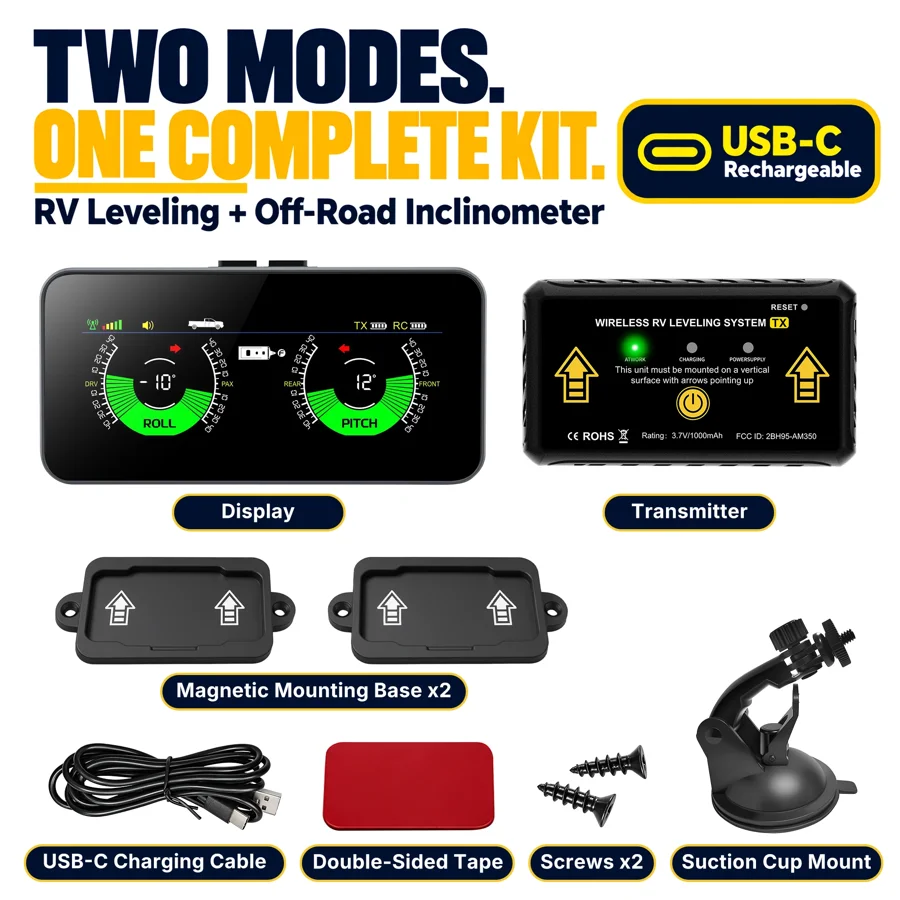
Find your product manual.
| Model | Product category | User manual |
|---|---|---|
| AM350PRO | RV Leveling | Open PDF → |
| AM700PRO | Wireless RV Cameras | Open PDF → |
| AM700 | Wireless RV Cameras | Open PDF → |
| M60 | Driving Displays | Open PDF → |
Get the setup right from the start.
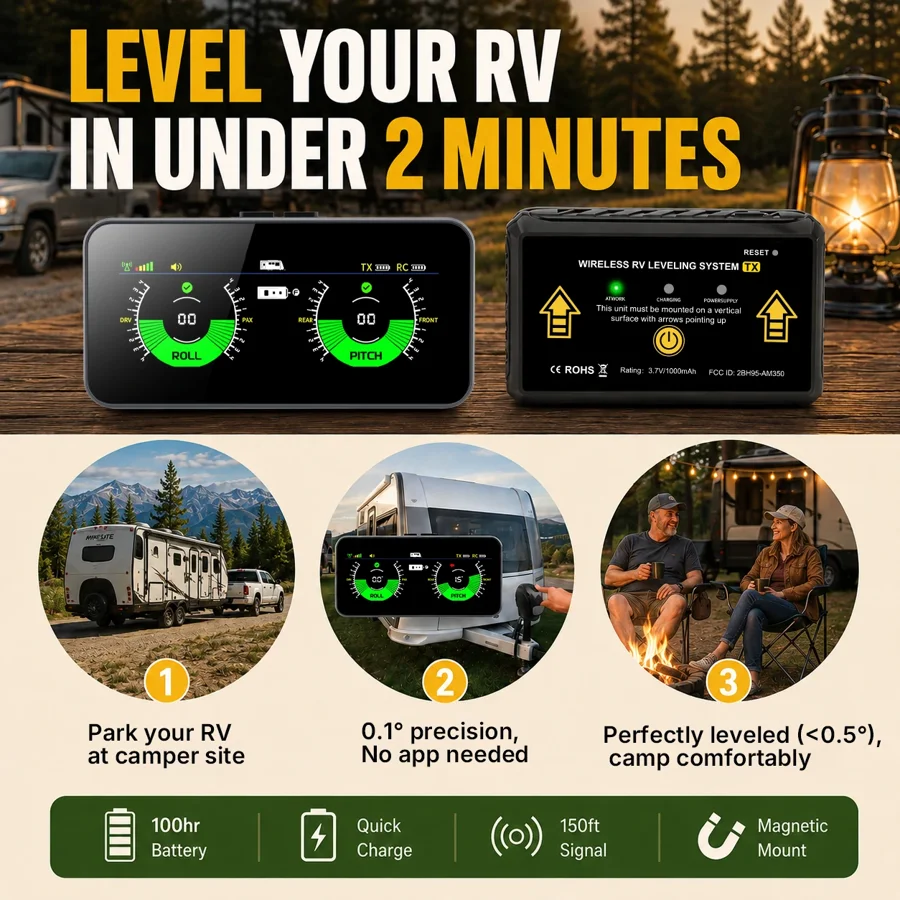
AM350PRO setup
Review transmitter placement, setup modes and display readability.
View Setup →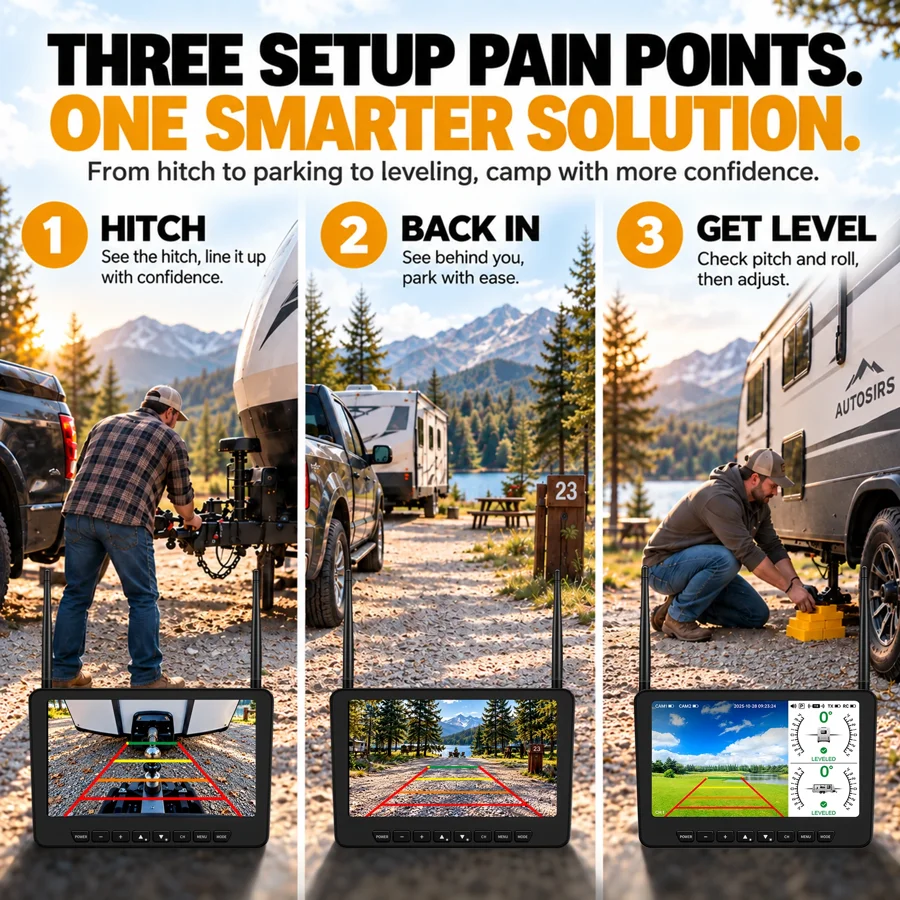
AM700PRO setup
Test the camera placement, wireless link and leveling calibration on the intended vehicle.
View Setup →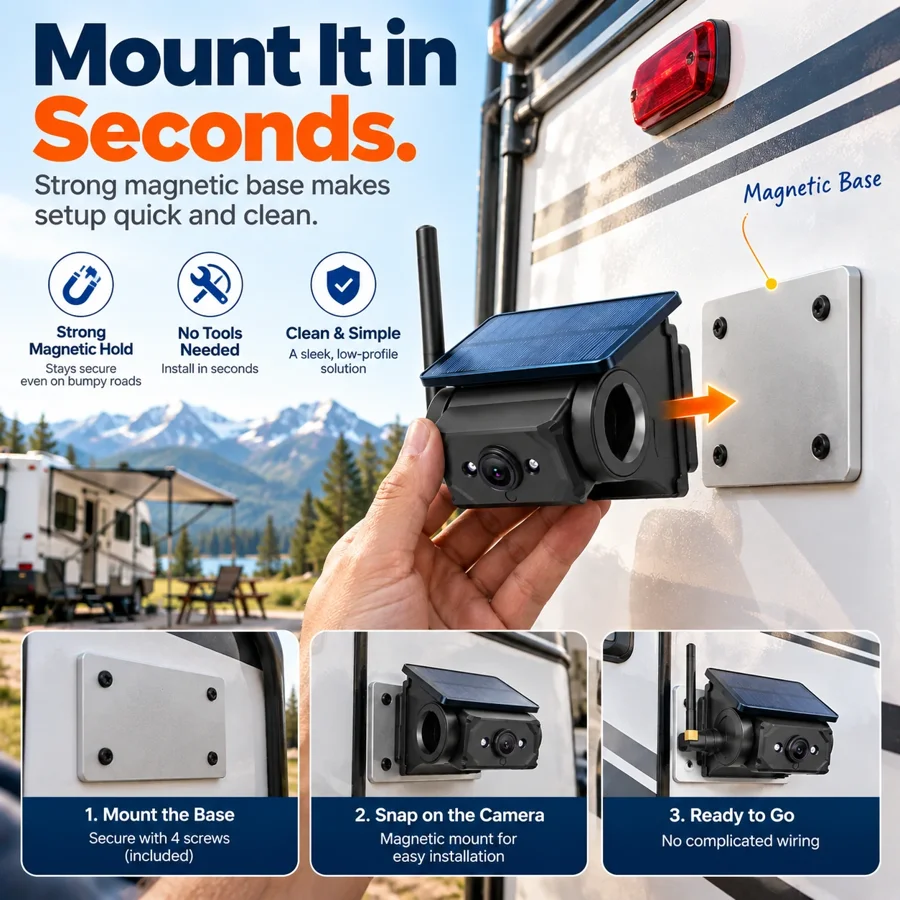
AM700 setup
Check the rear mounting surface and monitor position before selecting the model.
View Setup →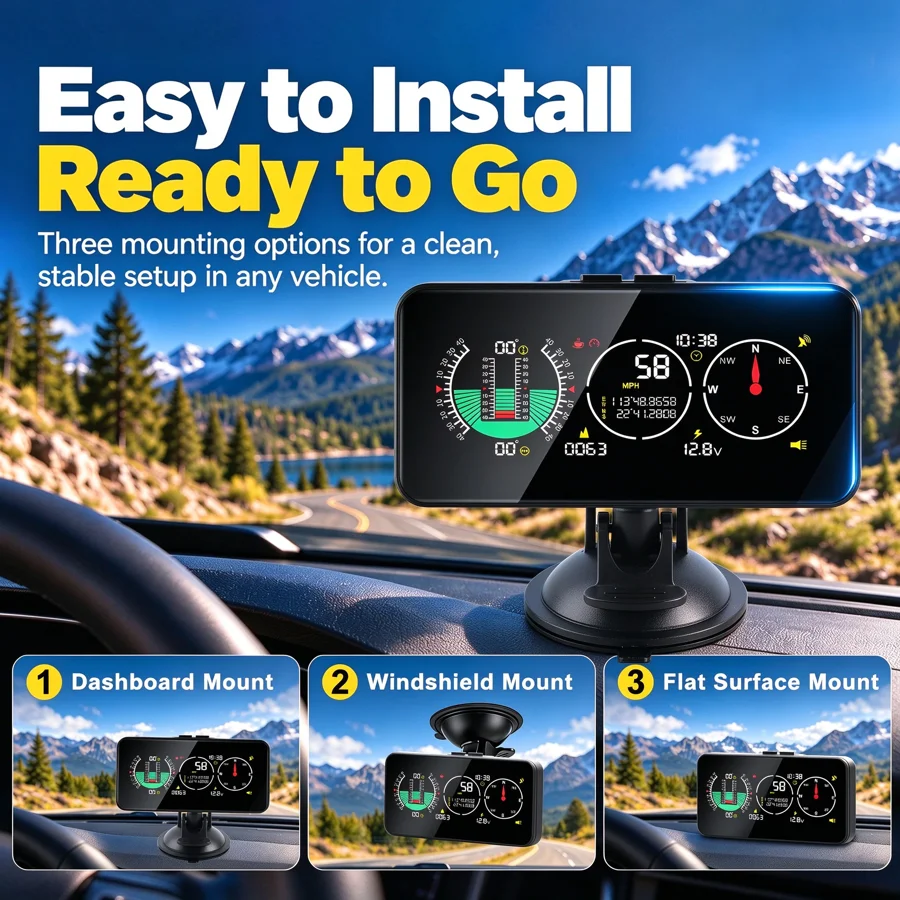
M60 setup
Evaluate screen placement and readability in the target vehicle.
View Setup →A few useful starting answers.
Where can I find the manual for my model?
Use the model number to find its PDF in Product Manuals. Check the model label before following the setup instructions.
How do I compare camera and leveling products?
Use the model comparison to review the primary application, product family and documentation.
Can you help me choose a model?
Use the inquiry form and describe your customer, vehicle types and main application.
Still need the right information?
For setup questions, include the model number, vehicle and installation stage.
Contact AUTOSIRS Support →